
- Three features I shipped
- 1. TL;DR with Summarizer
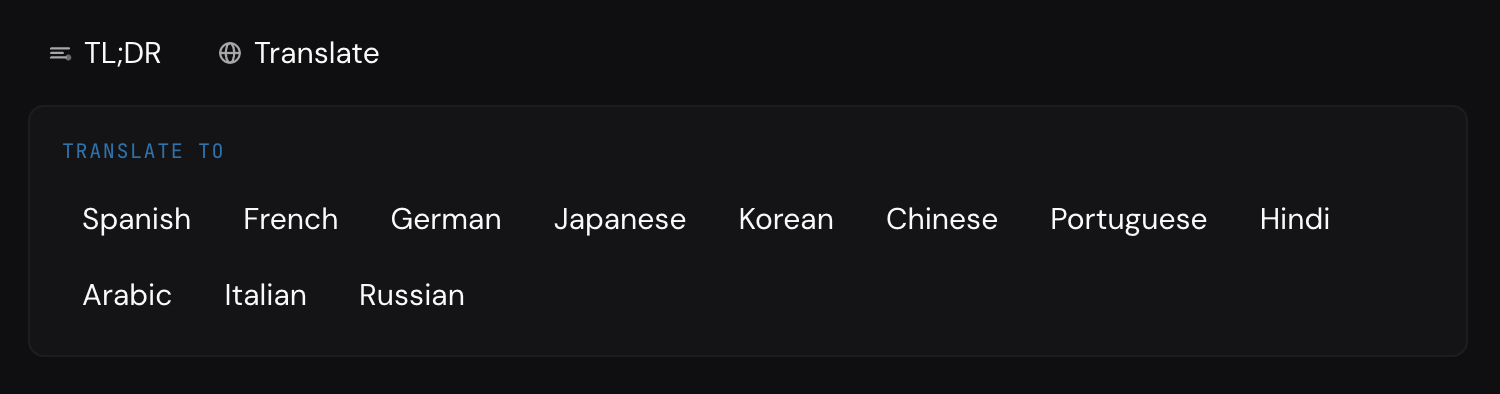
- 2. Translation with Translator
- 3. Semantic search with LanguageModel
- Progressive enhancement
- The rough reality (and why I still love it)
- A bigger thought about the web
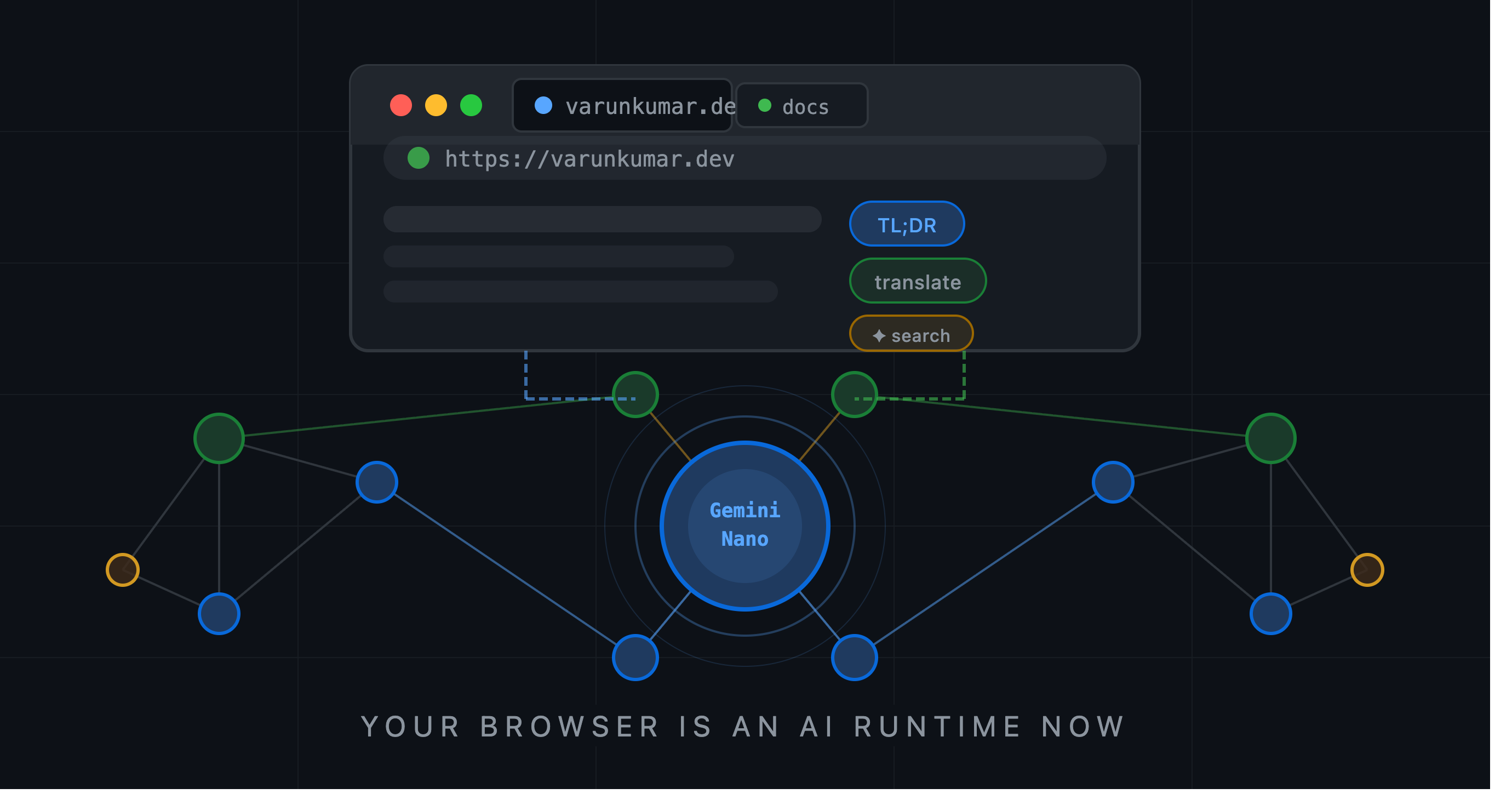
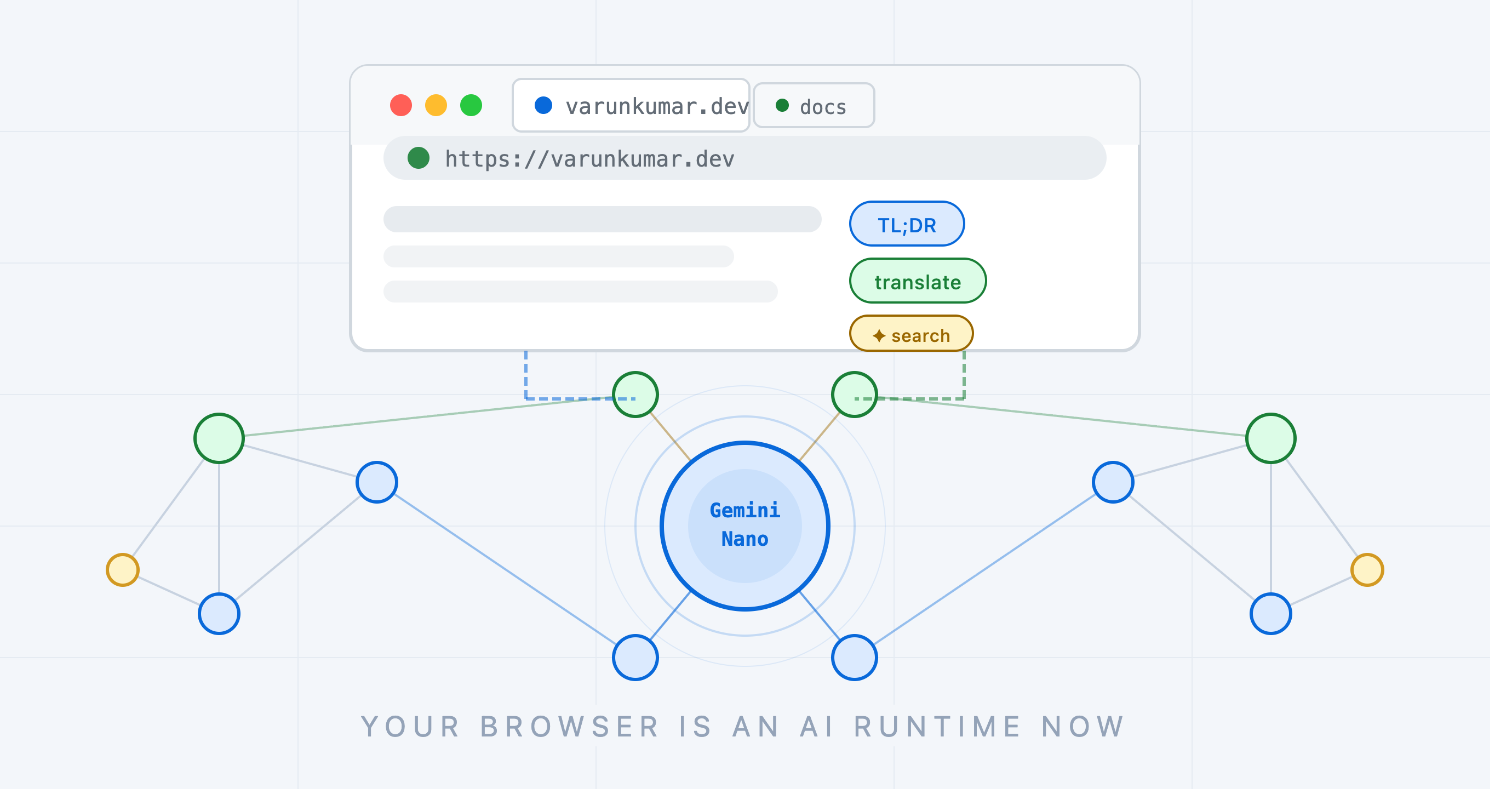
Every product in the world seems to be shipping a new layer of AI features right now, and sometimes it feels like teams are force-fitting AI just to stay on the bandwagon, such as adding a chat interface to schedule a report when a good cron builder would be cheaper and more user-friendly. Some of these features are still genuinely useful, but they usually follow the same pattern: send data to a cloud model, wait for a response, and absorb ongoing latency, cost, and operational overhead.
That is why this felt different to me. Chrome introduced a path where Gemini Nano runs directly on the reader’s device, which means I can build useful AI behavior into this site without a server round-trip, without API key plumbing, and without treating every interaction like a metered backend call. It also gives customers stronger peace of mind because their data stays on their machine instead of leaving it for routine inference.
I have always been excited about new browser capabilities, and when I saw this land, I immediately wanted to ship it here, not as a demo, but as a real part of the site.
Three features I shipped
I implemented three real features with Chrome’s built-in AI APIs.
1. TL;DR with Summarizer
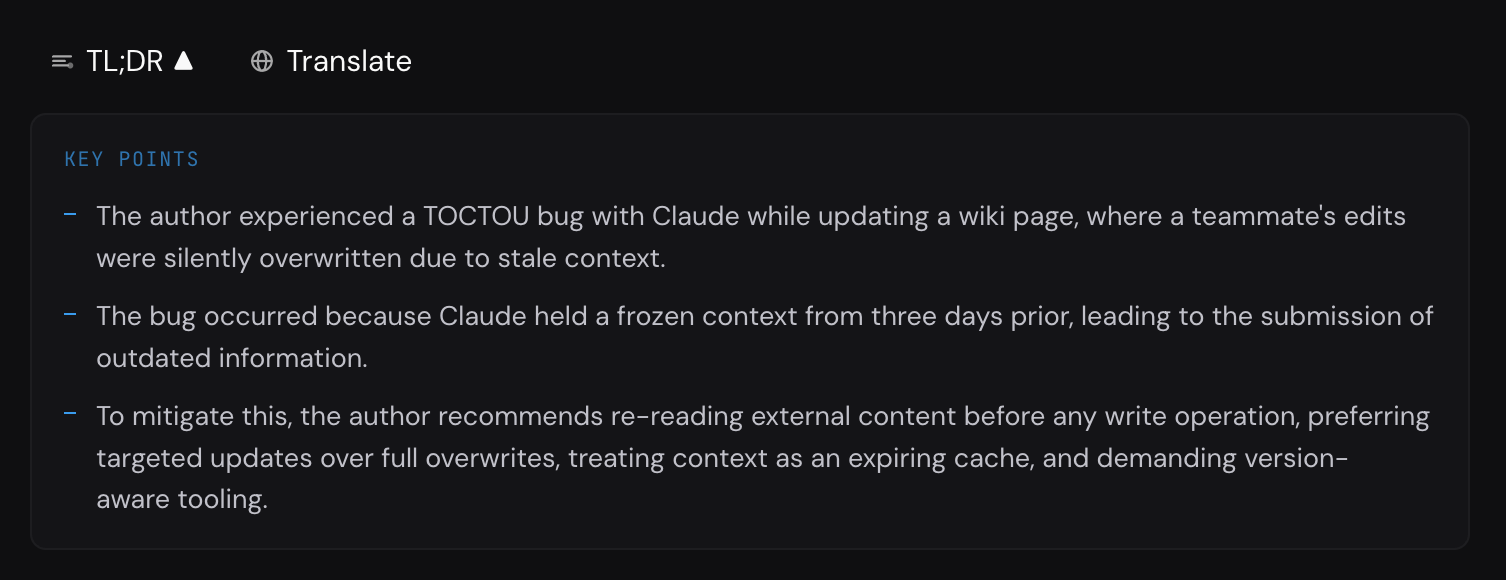
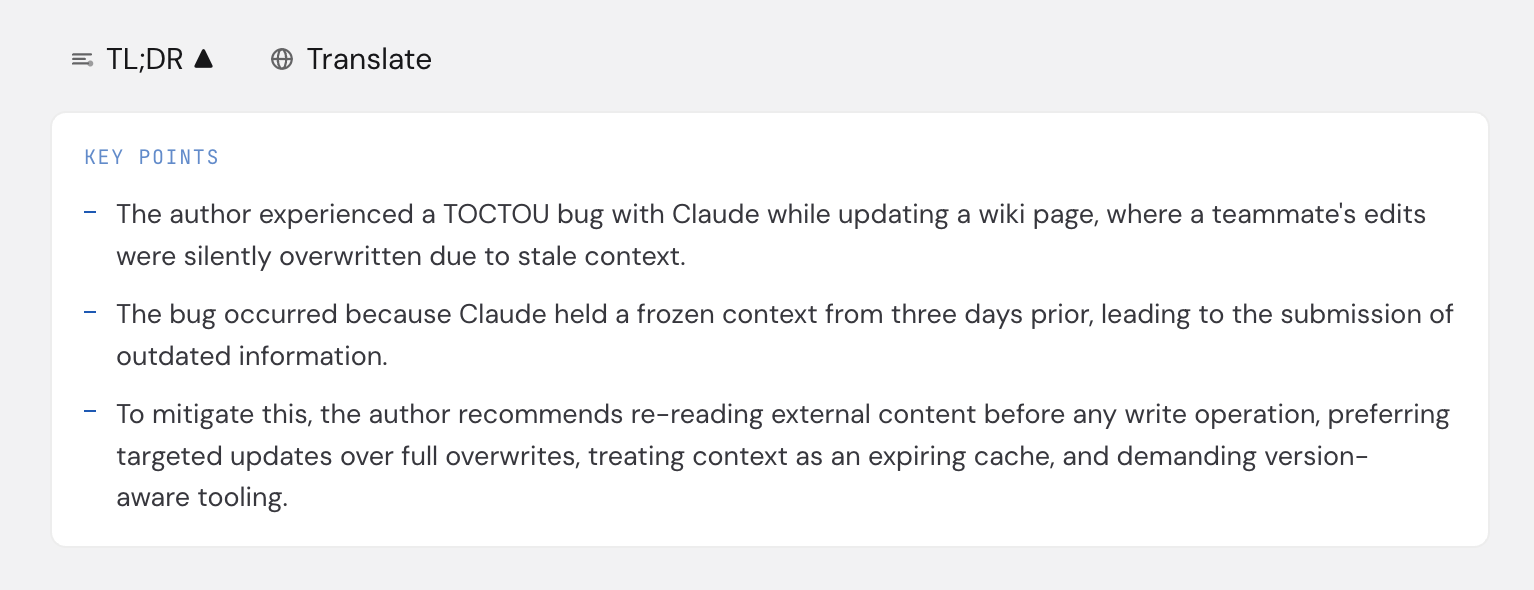
Under each post header, there is a TL;DR button that summarizes the article into key bullets when you click it.
The feature is not about a universal speed win, since performance depends a lot on the user’s device. On my Mac Studio it feels quick, but the real value is that summarization runs in the browser on the reader’s machine, so it feels less like a remote AI call and more like a built-in web capability.
// TL;DR: summarize article body into key points.
const proseEl = document.querySelector('.vk-prose');
const text = proseEl?.textContent?.trim() ?? '';

const summarizer = await Summarizer.create({
  type: 'key-points',
  format: 'plain-text',
  length: 'short',
});

const result = await summarizer.summarize(text);
summarizer.destroy();

const points = result
  .split('\n')
  .map((line) => line.replace(/^[\s\-*•\d.]+/, '').trim())
  .filter((line) => line.length > 10);
2. Translation with Translator
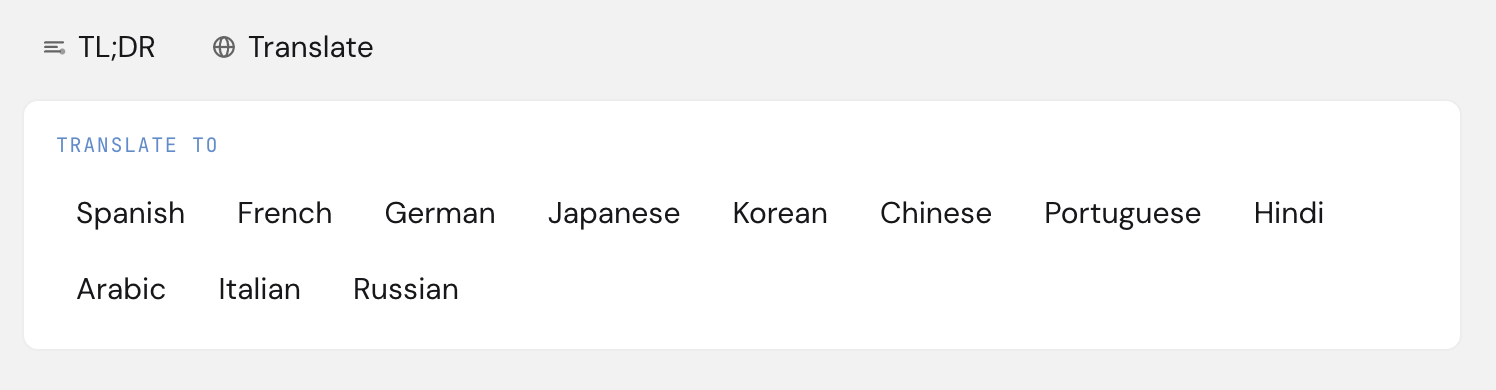
Each article can be translated into 11 languages inside the same page, and if your browser language is not English, it pre-selects your language while still letting you switch back with “Show original”. Among Indian languages, Hindi is currently the only option here, and I am hoping for the day Tamil is available natively too.
The stronger win here is continuity: readers can stay on the same page, keep the original layout and code examples in view, and read in their preferred language without copying content into an external translator or a browser plugin, which also keeps the text on their own device.
// Translate selected post elements in-place.
const translator = await Translator.create({
  sourceLanguage: 'en',
  targetLanguage: targetLang,
});

for (const el of document.querySelectorAll('.vk-prose p, .vk-prose h2, .vk-prose li')) {
  if (el.closest('pre') || el.closest('.vk-code')) continue;
  const text = (el as HTMLElement).innerText?.trim();
  if (!text) continue;
  el.textContent = await translator.translate(text);
}

translator.destroy();
3. Semantic search with LanguageModel
Search now handles intent, not just exact string matches, so someone typing “handling conflict on a team” can still find posts about engineering management even when those words are not literal matches.
I do query expansion with LanguageModel first, then match against post content. When available, a small ✦ AI badge appears in the search UI to make that behavior explicit.


// Expand natural-language query into related keywords.
const session = await LanguageModel.create({
  expectedOutputs: [{ type: 'text', languages: ['en'] }],
});

const raw = await session.prompt(
  `Output ONLY a JSON array of 4-6 short search keywords related to: "${query}".`
);

const match = raw.match(/\[[\s\S]*?\]/);
const keywords = match ? (JSON.parse(match[0]) as string[]) : [];

document.dispatchEvent(
  new CustomEvent('search-expanded', { detail: { original: query, keywords } })
);
Progressive enhancement
I did not want flashy fallback states or broken controls, so every AI UI element starts hidden and appears only when the API reports support.
If Summarizer.availability() or Translator.availability() returns a usable state ('available' or 'downloadable'), the controls appear; if not, the page remains exactly the same as before, with no dead buttons and no noisy warnings.
That matters to me because this is how the web should evolve: new capabilities should feel additive, not coercive.
The rough reality (and why I still love it)
The built-in AI APIs changed quickly between early experiments and current Chrome builds.
window.ai.summarizer and window.ai.translator are gone. The new model is global constructors: Summarizer, Translator, LanguageModel. Availability states changed to 'available' | 'downloadable' | 'downloading' | 'unavailable'. Output configuration for LanguageModel.create() changed too.
I had to rework the implementation more than once, and I also added tests so I can quickly validate all three APIs after Chrome updates.
If you want to try this today: use a recent Chrome build, enable #summarization-api-for-gemini-nano, #translation-api-all-languages, and #prompt-api-for-gemini-nano in chrome://flags (the exact flag names can shift a bit across builds), and make sure Gemini Nano is installed in chrome://on-device-internals.
A bigger thought about the web
The browser started as a document viewer, then became an app platform, and now it is becoming an AI runtime. It is not just an AI website or an AI wrapper, but a runtime local to the user and integrated into the same environment where we render, compute, store, and interact.
That shift is practical and philosophical at the same time: practical because we get lower latency (well, it depends!), better privacy, and no server inference bill for these cases, and philosophical because capability is moving closer to the person using the web rather than farther away into invisible infrastructure.
We are still early, and that shows in young APIs, awkward flags, and limited support. But I can feel the direction, and I wanted this site to carry that feeling now, while it is still raw and becoming.